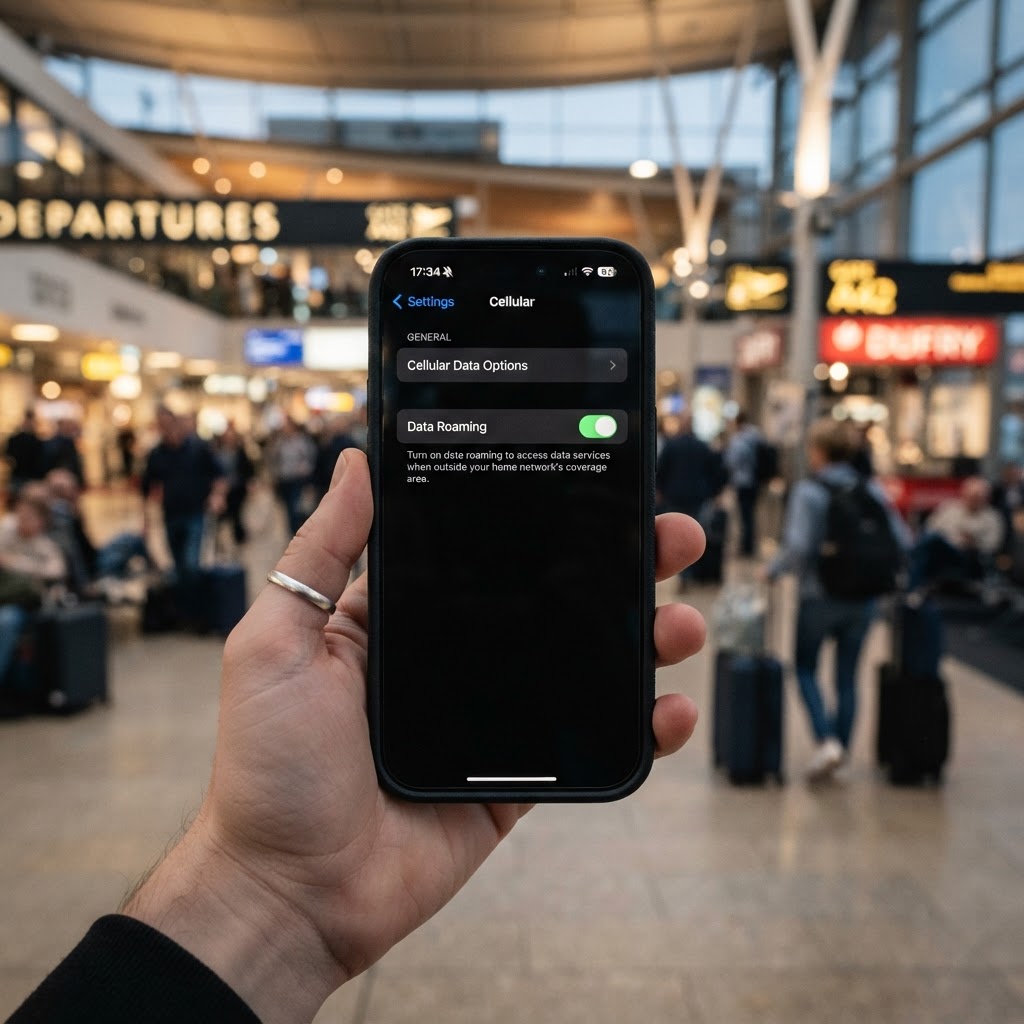
Why data roaming needs to be on for a travel eSIM
A travel eSIM works by connecting to cellular networks in the country you are visiting. To do this, your phone needs data roaming enabled for the eSIM line. Without it, the eSIM cannot connect to any foreign network, and you will have no data abroad.
This is the single most common reason a travel eSIM appears not to work — the user has installed the eSIM but has not enabled data roaming for the eSIM line.
How data roaming works with eSIM vs your home SIM
The key distinction is between your travel eSIM and your home SIM:
| Line | Data roaming | Why |
|---|---|---|
| Travel eSIM | ON | Needs roaming to connect to foreign networks — data is included in your plan |
| Home SIM | OFF | Roaming on your home SIM can incur charges from your home carrier |
For a BubuTel travel-data plan, enabling data roaming on the eSIM line does not itself create a separate roaming fee. Mobile-data usage still counts against the purchased allowance and remains subject to the terms of the selected plan. Your home SIM, on the other hand, may incur roaming charges depending on your home carrier and plan.
How to enable data roaming for your eSIM
On iPhone:
- Go to Settings → Cellular
- Tap Cellular Data Options
- Toggle Data Roaming ON
- Make sure this is enabled for your travel eSIM line, not your home SIM
On Samsung / Android:
- Go to Settings → Connections → Mobile Networks
- Toggle Data Roaming ON
- Make sure the eSIM is selected as the active data line
How to avoid charges from your home SIM
To reduce the risk of roaming charges from your home SIM:
- Turn off your home SIM line: In Settings → Cellular (iPhone) or SIM card manager (Samsung), turn off your home SIM. This prevents it from connecting to a foreign network while the line is off.
- Keep data roaming off for your home SIM: If you keep your home SIM on for calls and texts, make sure data roaming is off for that line. Calls and SMS may still be subject to your home carrier's roaming charges, so check your plan.
- Use your eSIM for data only: Set your eSIM as the data line and keep your home SIM for calls and texts only if your home-carrier plan makes that appropriate.
Common questions about data roaming and eSIMs
Will I be charged for data roaming on my eSIM?
For a BubuTel travel-data plan, turning on data roaming for the eSIM line does not itself add a separate roaming fee. Mobile-data usage counts against your purchased allowance and remains subject to the terms of the selected plan. Keep roaming off for your home SIM unless your home-carrier plan specifically includes roaming.
What if I have both a physical SIM and an eSIM?
Make sure data roaming is on for the eSIM line and off for the physical SIM line. Set the eSIM as your data line. You can keep the physical SIM on for calls and texts if needed, but calls or SMS may still be subject to your home carrier's roaming charges.
Can I use my home SIM for calls and my eSIM for data?
Yes. Set your eSIM as the data line with roaming on, and keep your home SIM on for calls and texts with data roaming off. This way you keep your phone number for calls and use the eSIM for data. Calls or SMS on the home SIM may still incur roaming charges depending on your carrier and plan.
See also: Can I keep WhatsApp with a travel eSIM? and Can I receive calls while using a travel eSIM?
Why does my eSIM say no service even with roaming on?
If roaming is on but you still have no service, check that the correct SIM line is selected for data, restart your phone, and try manual network selection. See eSIM not working abroad: complete fix.