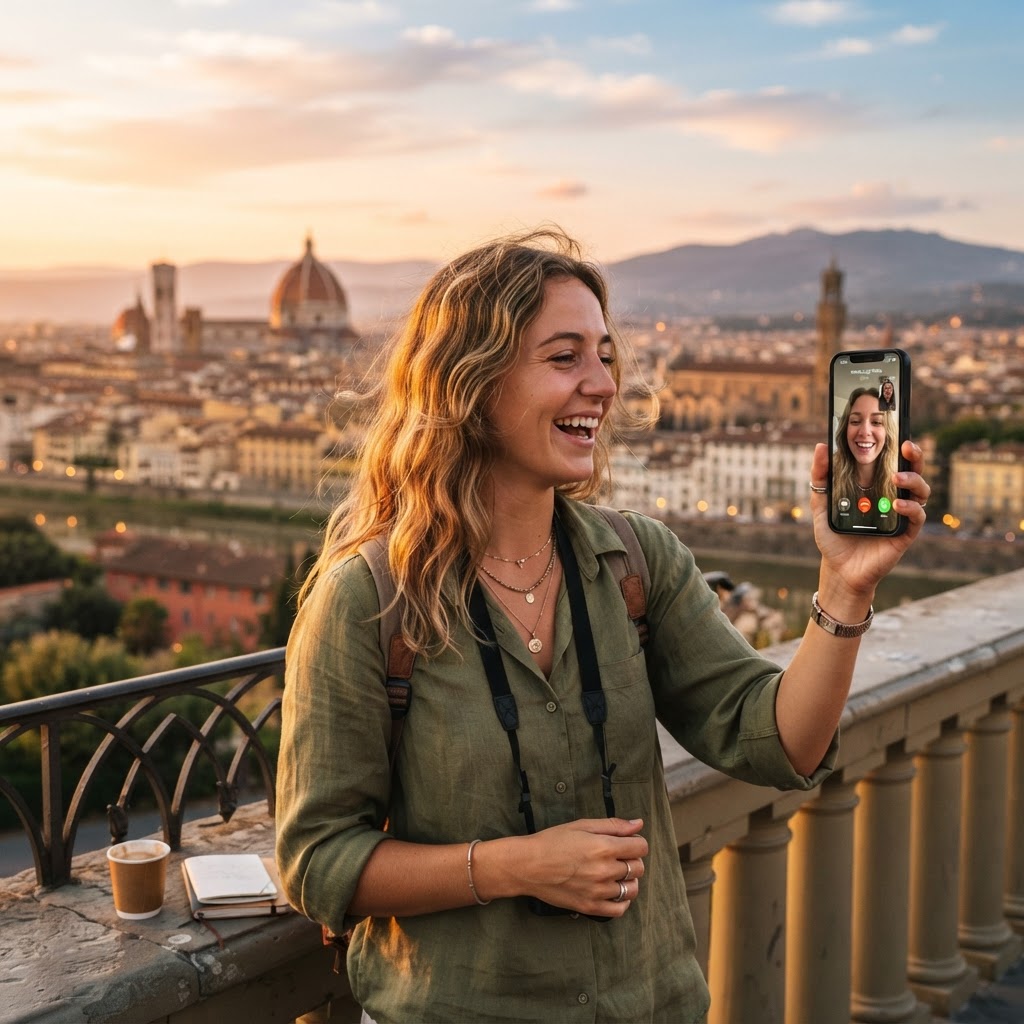
How WhatsApp works with a travel eSIM
WhatsApp is linked to your phone number, not to your SIM card or data connection. When you use a travel eSIM, the eSIM provides mobile data (internet), while WhatsApp continues to use your existing phone number and account. This means:
- All your existing chats, groups and contacts remain
- You do not need to create a new WhatsApp account
- You do not need to tell contacts a new number
- Your WhatsApp works exactly as before — just with data from the eSIM
Do I need to change any WhatsApp settings?
No. You do not need to change any WhatsApp settings. WhatsApp automatically uses whatever data connection is available — whether that is Wi-Fi, your home SIM or your travel eSIM. As long as your phone has internet (via the eSIM or Wi-Fi), WhatsApp works normally.
What about WhatsApp calls?
WhatsApp voice and video calls also work with a travel eSIM. They use the eSIM's data connection, just like any other internet activity.
- Voice calls: Use roughly 0.5 MB per minute
- Video calls: Use 5–10 MB per minute
If you have a limited data plan, be mindful of video call usage. See How much data does WhatsApp use while travelling? for details.
Do I keep my home SIM for WhatsApp?
You can keep your home SIM in your phone for calls and SMS while using the eSIM for data. WhatsApp will continue to use your home number. This is a common setup:
- Home SIM: kept on for calls and SMS, data roaming OFF
- Travel eSIM: set as data line, data roaming ON
WhatsApp uses the eSIM for data but stays linked to your home number. You receive calls and SMS on your home SIM as normal.
See also: Should data roaming be on with an eSIM?
What if I do not have my home SIM?
If you are travelling without your home SIM (e.g. you removed it or your phone only supports eSIM), WhatsApp still works as long as it was already registered on your phone before you removed the SIM. WhatsApp does not require the SIM to be present — it only needs internet.
However, if you need to re-verify WhatsApp (e.g. after reinstalling it), you will need access to your registered phone number via SMS or call. If your home SIM is not available, you may not be able to receive the verification code.
Can I use WhatsApp with just an eSIM and no physical SIM?
Yes. If your phone supports eSIM and you have WhatsApp already installed and verified, you can use WhatsApp with just the eSIM for data. WhatsApp does not need the physical SIM to be present — it only needs internet.
Related guides
- Should data roaming be on with an eSIM?
- Can I receive calls while using a travel eSIM?
- What happens to my normal SIM when I use an eSIM?
- How much data does WhatsApp use while travelling?